


UNLOCK
THE STOKE
Get full access to the premium features on the Watch and Phone App.
Available for iOS and Android
Get full access to the premium features on the Watch and Phone App.
Our subscription plan - Soul Surfer - offers special features any surfer couldn’t live without.


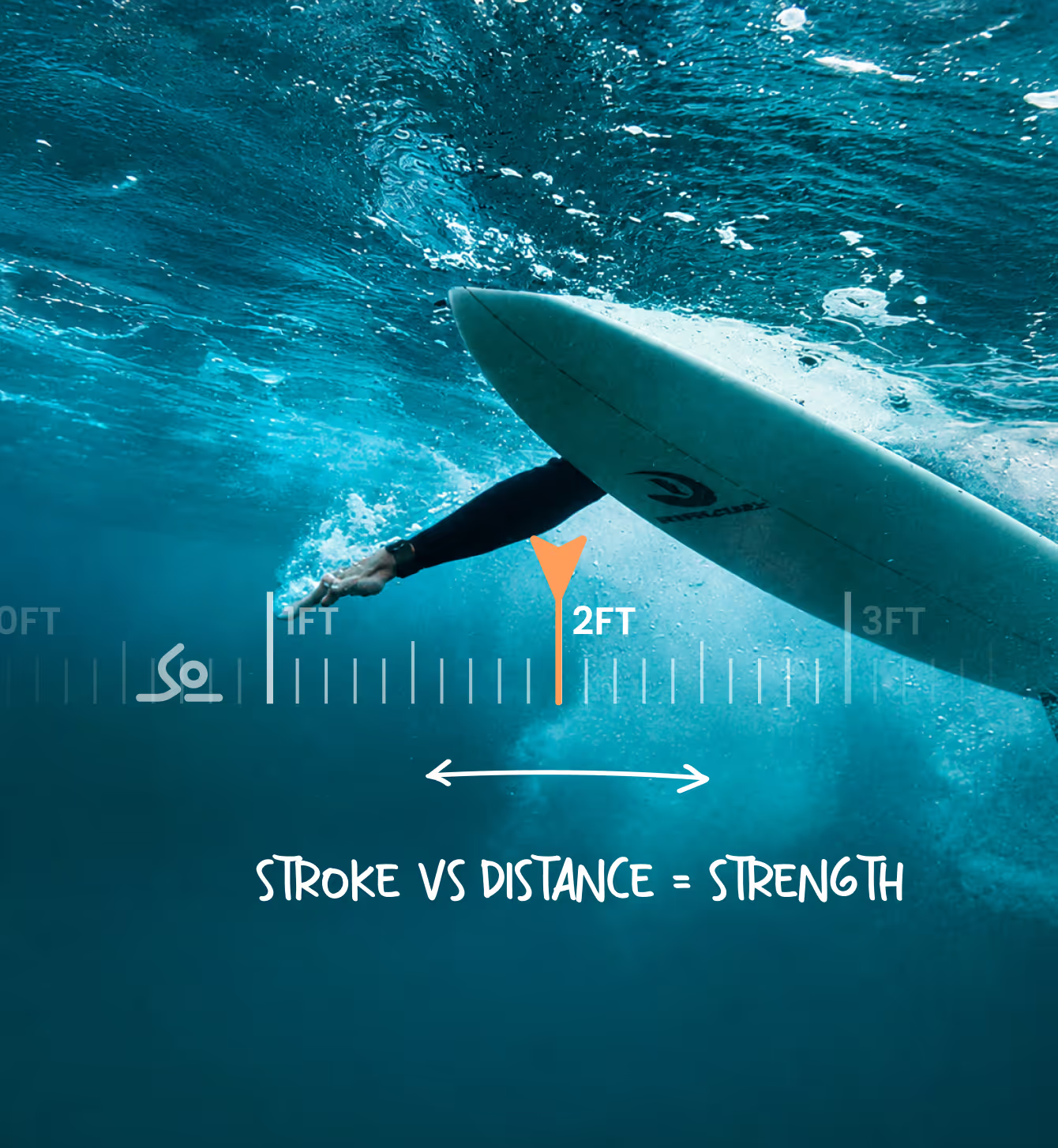
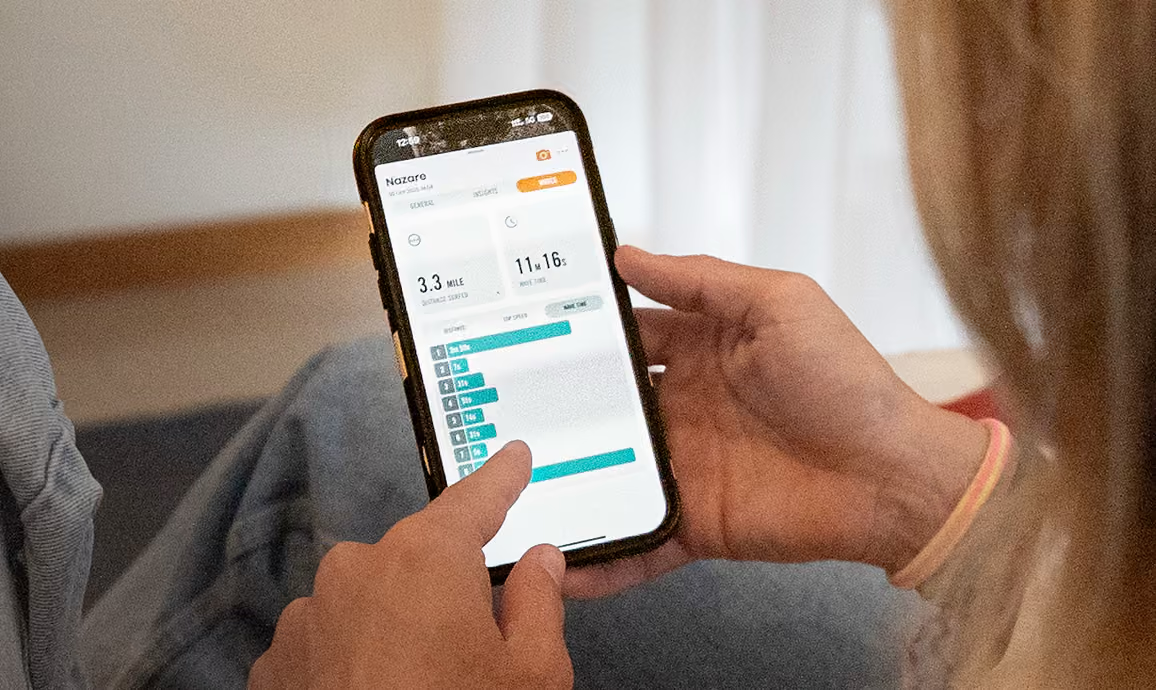
Dawn Patrol gives you insights into your paddle distance, effort, progress, and paddle efficiency, helping you train smarter, improve your technique, and get more from every session.

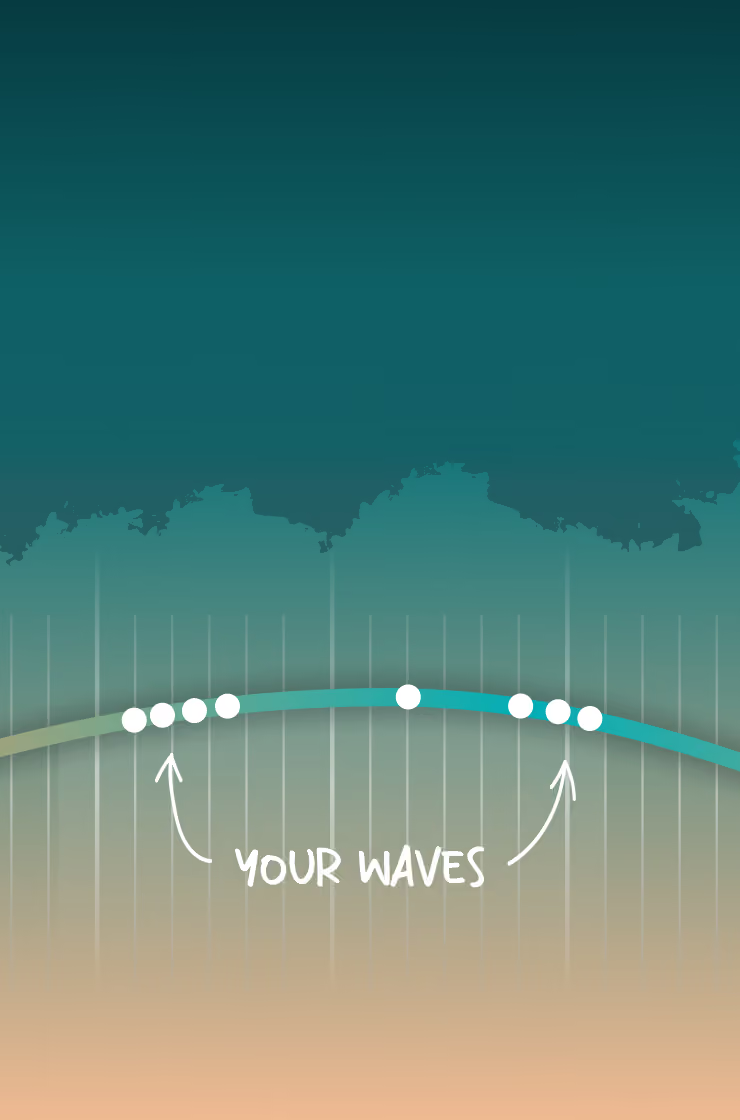
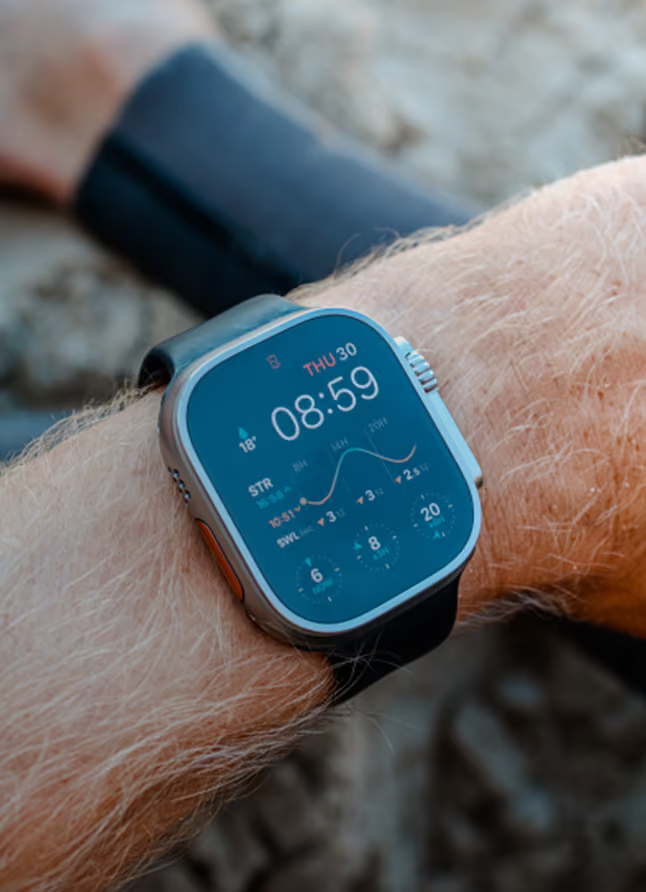
Our tidal chart shows the current water level height and waves surfed on the given spot.
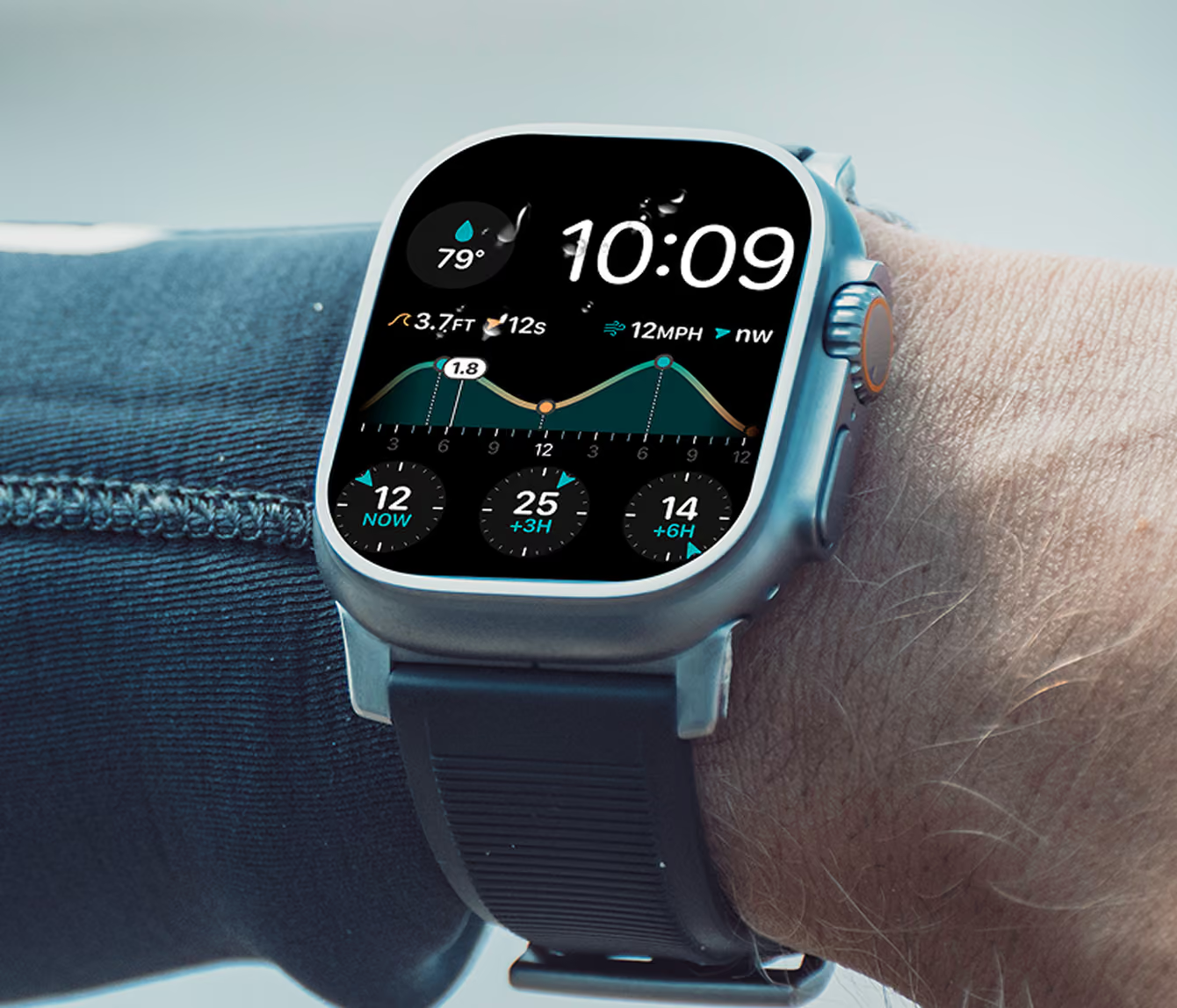
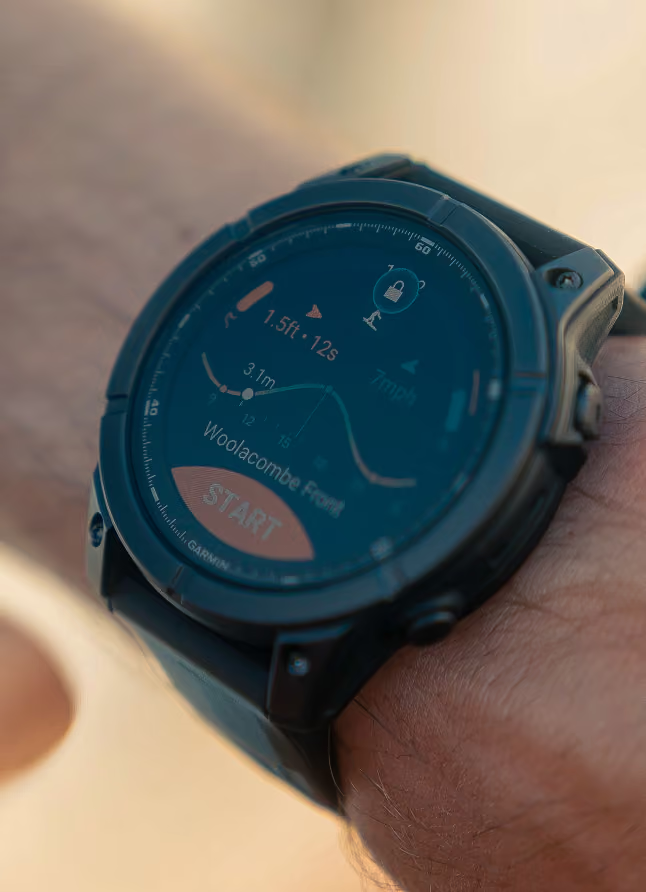
Add surf forecast widgets to your smart watch, phone and Apple CarPlay. Stay connected to the ocean wherever you are, and never miss the next swell.
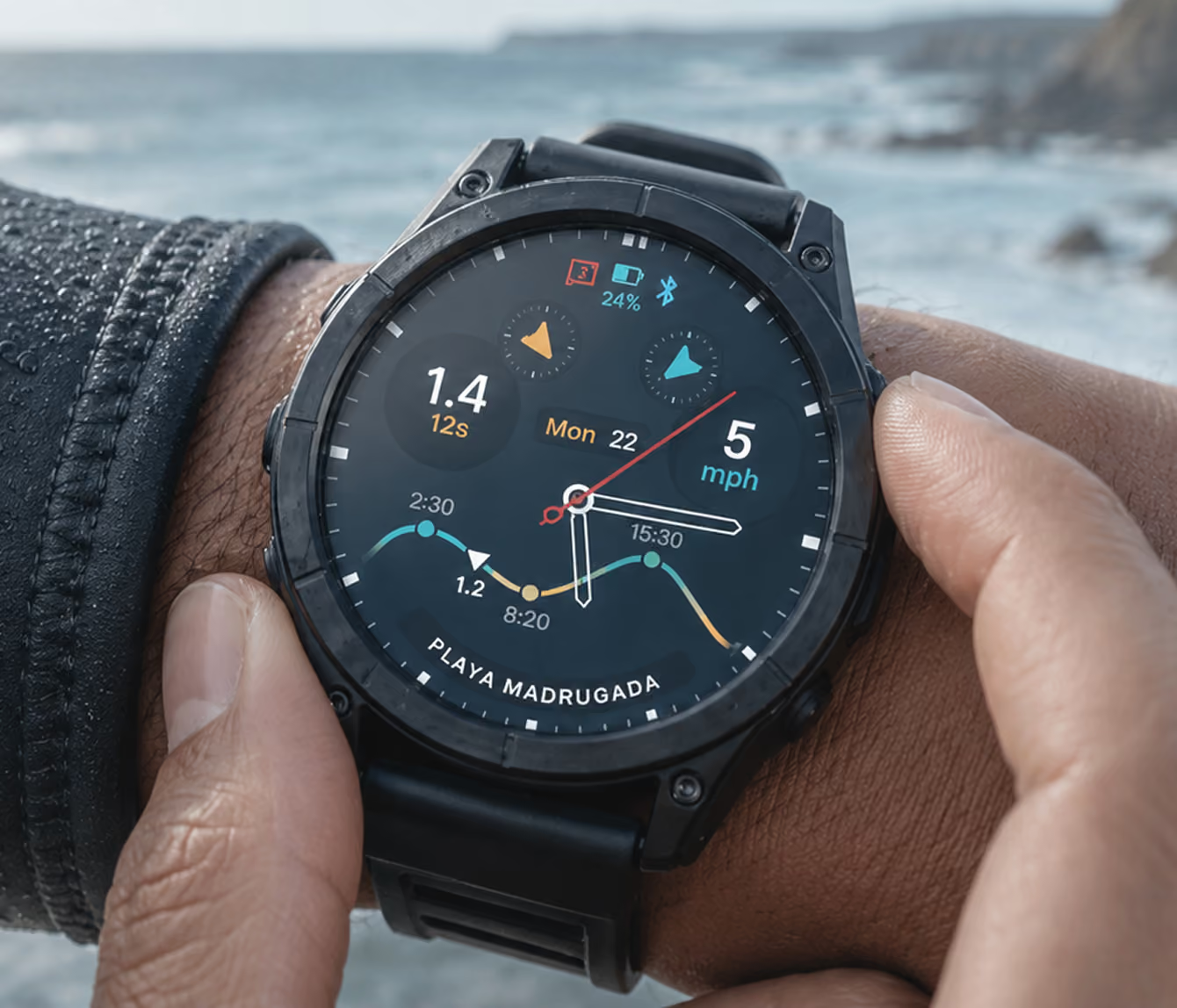
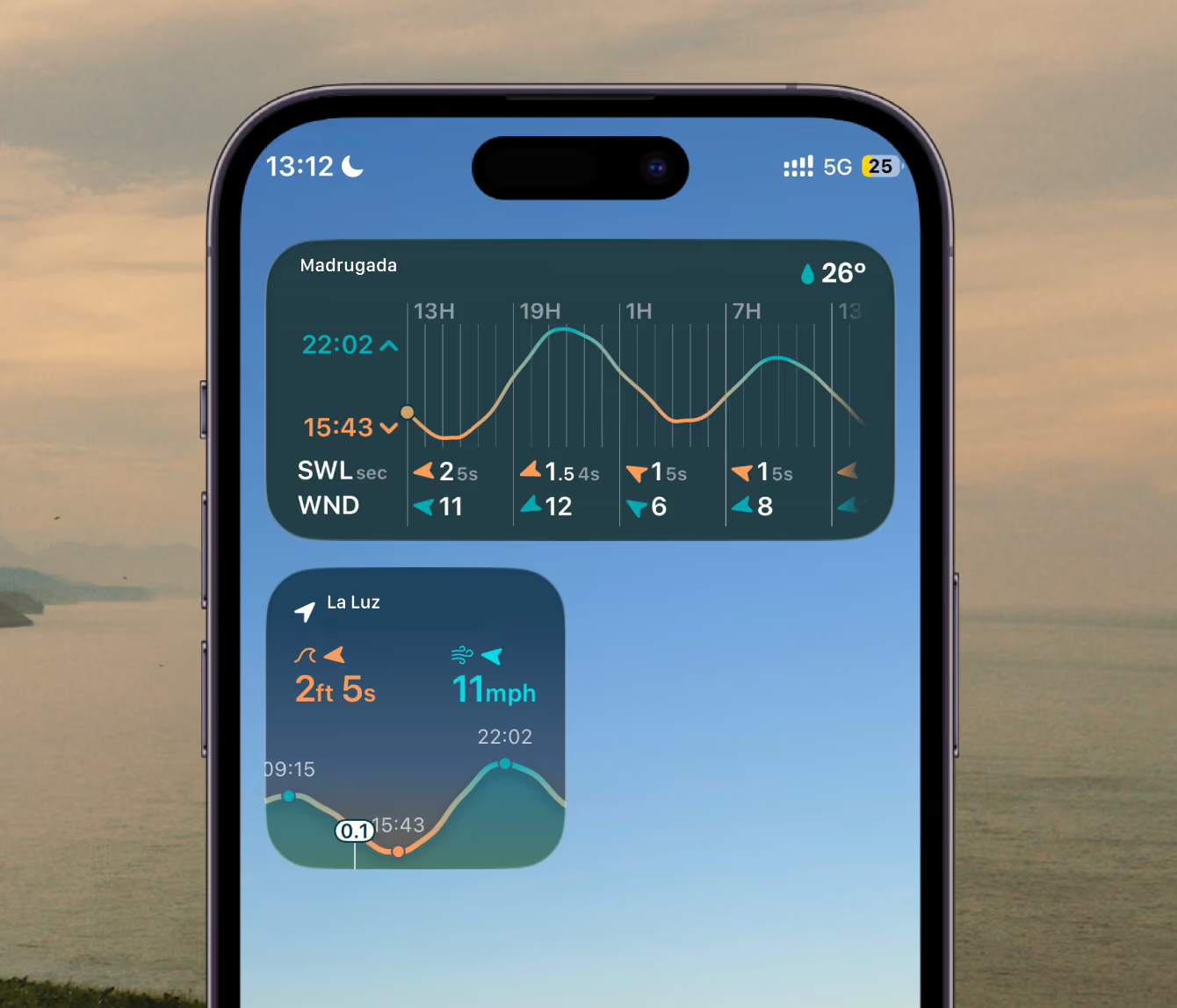
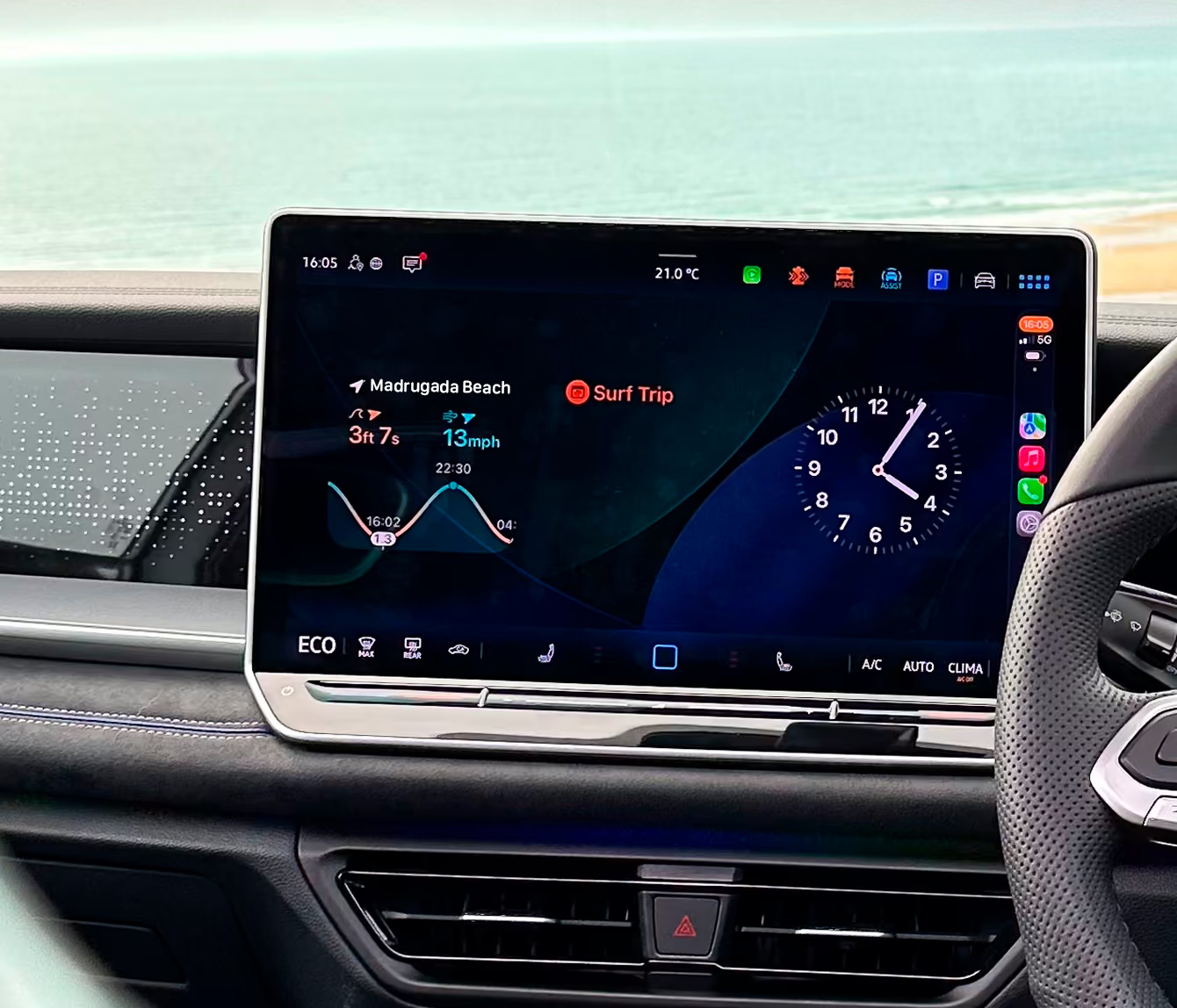
Our premium subscription plan - Soul Surfer - offers special features any surfer couldn’t live without.
Basic surf tracking
Watch Faces
Short term forecast
Paddle tracking
High precision wave tracking
Multisport selector
Session detail
Wave analysis
Health tracking
Tide & waves efficiency
Paddle efficiency
Forecast Widgets

The Complete Surf Companion

Perfect Addition to an Already Great App

Surf Tracking + Forecasts = Brilliant
Makes Every Session Easier
Easily the best surf app I've used
Our subscription plan - Soul Surfer - offers special features any surfer couldn’t live without.
What is Soul Surfer?
Soul Surfer is Dawn Patrol’s premium subscription, unlocking the advanced features that turn your smartwatch and phone into a complete surf-tracking and surf-forecasting tool.
You can use Dawn Patrol’s core surf-tracking features for free, while Soul Surfer gives you access to advanced surf analytics, forecasting, tide information, paddle tracking and other premium features.
Do I have to pay to use Dawn Patrol?
No. Dawn Patrol has a range of free features, including surf tracking, wave counting, surf distance, speed, heart rate, calories and session history (Surf Journal).
Soul Surfer is optional and unlocks the more advanced features.
What do I get with a Soul Surfer subscription?
Soul Surfer unlocks features including:
The exact features available can vary depending on your device and setup.
Is Soul Surfer worth paying for?
If you simply want to make a record of your surf sessions, the free version of Dawn Patrol may be all you need.
If you want to understand your surfing, monitor your progress, journal every session and have surf conditions available at a glance, Soul Surfer is designed for you.
Think of it less as paying to record a surf and more as unlocking the tools to get more from every session, while building your own surf journal along the way. Because if you’re a surfer, you already know: once you start checking the forecast, tracking your waves and keeping a record of your sessions, it’s pretty hard to live without it.
Why is Dawn Patrol a subscription rather than a one-off purchase?
Dawn Patrol isn't a static app. Surf forecasting, tide data, cloud services, ongoing development, integrations and support all have continuing costs.
A subscription allows us to keep developing Dawn Patrol and maintaining the services behind it rather than charging a large upfront price. We are proud to be a small team of surfers and always aim to maintain a subscription price that's less than a block of wax per month!
Can I use Dawn Patrol without Soul Surfer?
Yes. The core Dawn Patrol surf tracker remains available without a subscription.
You can still record and analyse your sessions, count waves, see your surf distance and speed, track heart rate and calories, and relive and share your sessions.
Can I try Soul Surfer before paying?
Yes. Where a free trial is offered, you can try Soul Surfer before committing to a paid subscription.
Your App Store subscription screen will show the trial and renewal terms available to you before you confirm.
Can I cancel Soul Surfer at any time?
Yes. Soul Surfer is managed through your Apple App Store subscription, so you can cancel your subscription at any time.
If you cancel, you'll normally retain access to premium features until the end of your current billing period.
What happens to my surf sessions if I cancel Soul Surfer?
Your existing Dawn Patrol surf history doesn't simply disappear because you cancel Soul Surfer.
You'll continue to have access to the features available on the free version of Dawn Patrol, while premium features will no longer be available once your subscription period ends.
If I cancel, will I lose all my surf data?
No. Cancelling your subscription isn't the same as deleting your Dawn Patrol account.
Your surf history and account remain separate from your subscription.
Can I resubscribe later?
Yes. If you cancel Soul Surfer and decide you want the premium features again, you can resubscribe through the App Store.
Your existing Dawn Patrol account and surf history can remain with you.
Do I need Soul Surfer to use the Dawn Patrol surf watch faces?
For the premium Dawn Patrol forecasting features and complications, yes.
Soul Surfer unlocks the surf forecast information that can be displayed on your compatible smart watch face.
Do I need Surfline as well as Soul Surfer?
Not necessarily.
Dawn Patrol and Soul Surfer are separate from a Surfline subscription.
Soul Surfer provides Dawn Patrol's premium features including surf forecasts (powered by Surfline). Some integrations, such as Surfline Sessions, require you to connect your Dawn Patrol and Surfline accounts and may depend on your Surfline setup.
Does Soul Surfer include a Surfline subscription?
No.
Soul Surfer is the premium subscription for Dawn Patrol. It doesn't automatically give you a separate Surfline subscription.
Why do I need a subscription just to see the forecast on my watch?
Your subscription gives you the complete Dawn Patrol experience, from live surf conditions, swell, wind and tide information at a glance, to advanced surf analytics, wave-by-wave data, paddle tracking and efficiency, detailed session insights and a complete journal of your surfing.
It’s designed to help you know when to surf, get more from every session and understand how your surfing is progressing over time.
So Soul Surfer isn't just paying for a forecast on your watch. It's unlocking the tools, data and insights that make Dawn Patrol your everyday surf companion.
Can I use Family Sharing with Soul Surfer?
Yes. Soul Surfer is eligible for Apple Family Sharing.
I subscribed but my premium features aren't showing. What should I do?
First, make sure you're signed into the correct Apple ID and that your Soul Surfer subscription is active.
Then check the subscription under:
iPhone → App Store → Your Profile → Subscriptions
If your subscription is active but Dawn Patrol isn't recognising it, try restoring your purchase or contact Dawn Patrol support.
Is Soul Surfer just for serious surfers?
Not at all.
You don't have to be chasing personal records or analysing every wave to enjoy Soul Surfer.
It can be as simple as having the day's surf forecast, tide and conditions available on your wrist before you paddle out.
Why should I pay when there are free surf apps?
That’s completely up to you. We’ve deliberately kept Dawn Patrol’s core surf tracking free, so every surfer can track and enjoy their sessions without having to subscribe.
Soul Surfer is for surfers who want to go further. It unlocks the full Dawn Patrol experience, including surf forecasts and conditions on your devices, advanced wave-by-wave analysis, paddle tracking and efficiency, detailed session insights and a complete digital journal of your surfing.
Dawn Patrol has been built from years of experience working with surfing, technology and the devices surfers use every day. We’re constantly developing the app to make it smarter, more useful and more connected to the way surfers actually surf.
If you just want to track your surf, the free version is there for you. If you want Dawn Patrol to become your everyday surf companion, Soul Surfer unlocks the full experience.
What do I get when I subscribe to Soul Surfer?
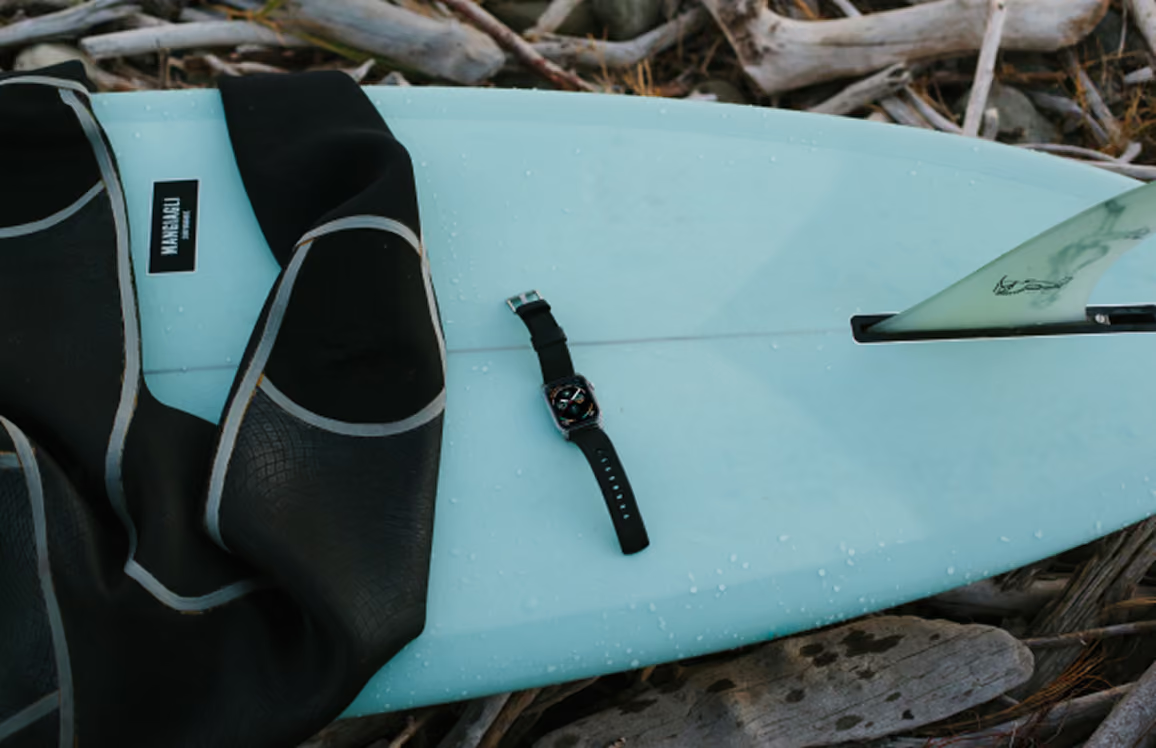
The Soul Surfer upgrades your Apple Watch into a full Surf Watch.
How do I manage or cancel my subscription
You can manage your subscription from within the app:
You may need to scroll down to find the Cancel Subscription button. If there is no Cancel button or you see an expiration message in red text, the subscription has already been cancelled.
Alternatively you can use the Settings App of your iPhone to cancel your subscription:
You may need to scroll down to find the Cancel Subscription button. If there is no Cancel button or you see an expiration message in red text, the subscription has already been cancelled.
Please let us know how we can improve our service, we’re keen to learn from your experience!